

Machine Danger Zones
4 videos · Alerts when people enter hazardous or restricted areas
- No alerts so far
Reports with indicators built for this scenario
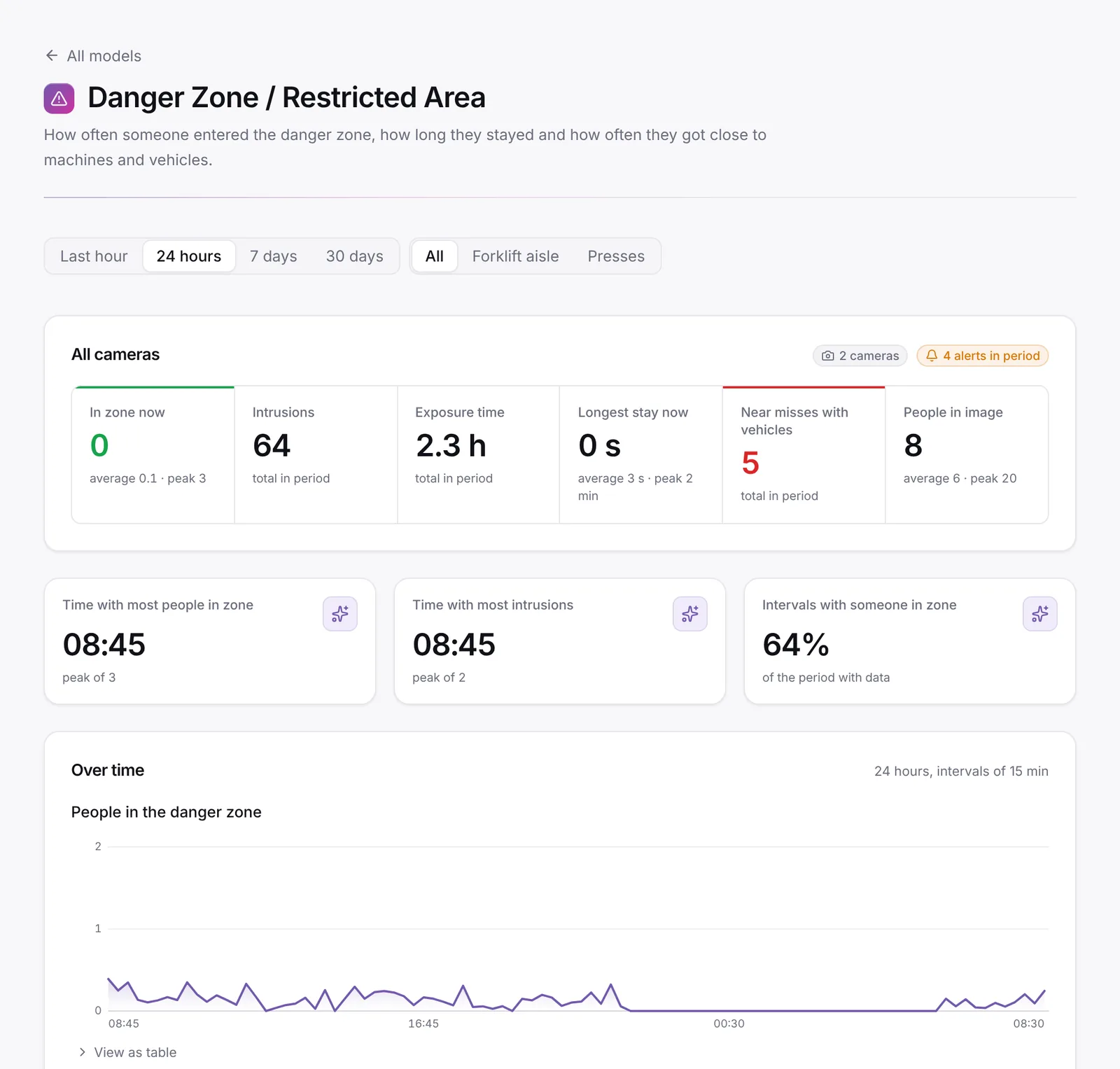
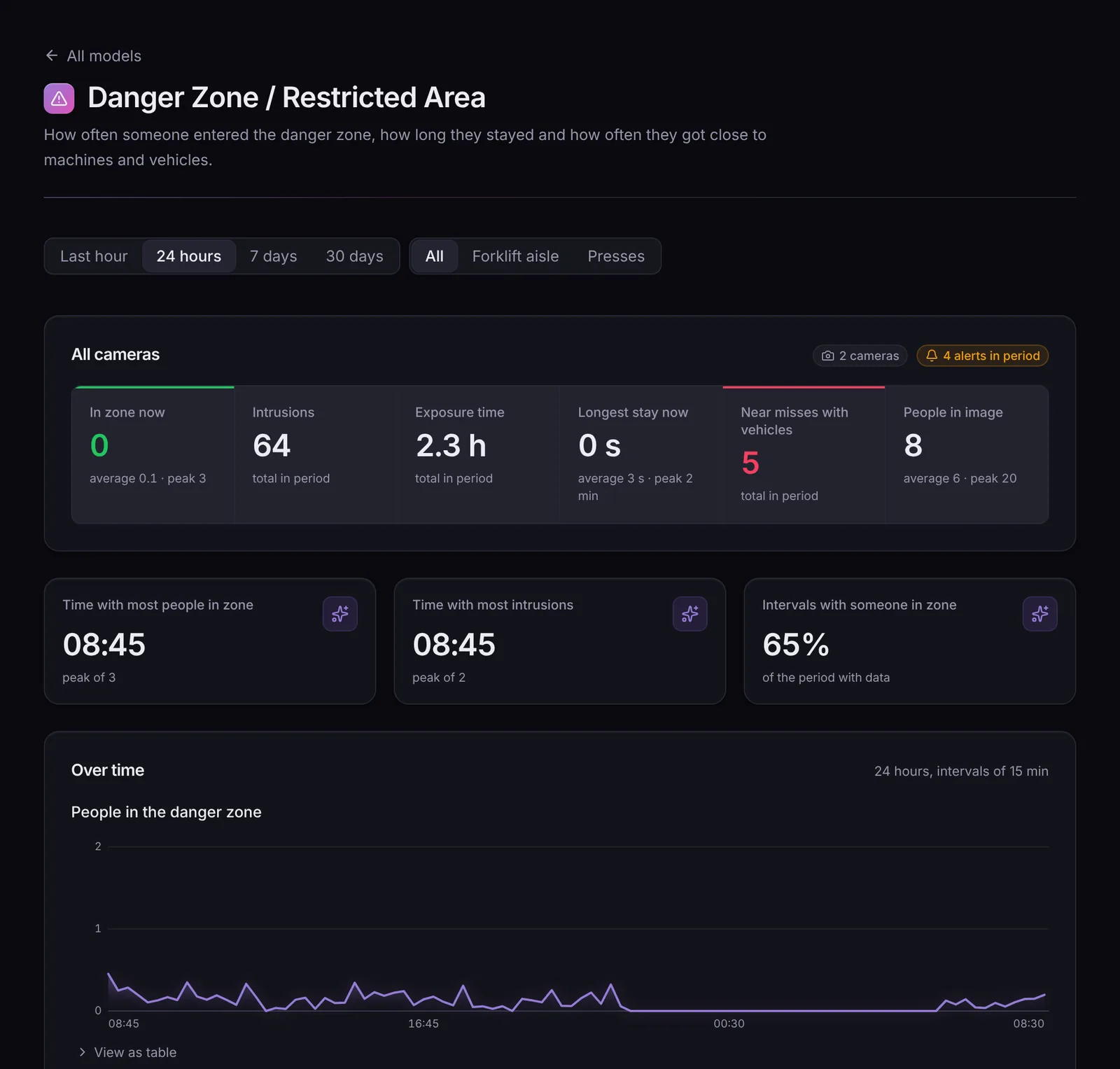
In the dashboard, each model has its own page with the indicators that matter for this scenario: period totals, computed highlights, breakdown by category and charts over time, per site and per camera.
In practice
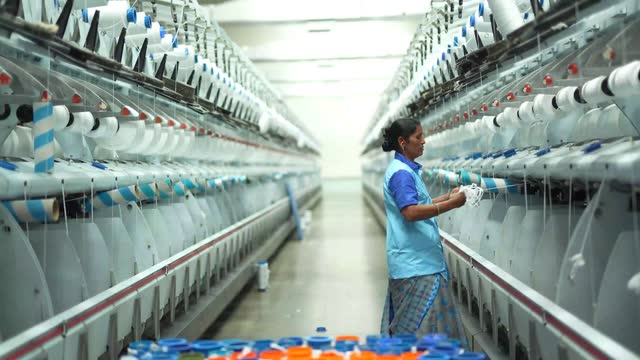
Robots, presses, conveyors and overhead cranes have areas nobody should enter while the machine is moving. Physical guards and certified sensors cover some of these points, but gaps remain: the handling area that moves around, the shortcut someone takes to save time, maintenance done without locking out the machine.
On the camera image, you draw the danger zone in a few minutes. The AI identifies people and uses the position of their feet to know whether someone has entered. Each entry triggers an immediate alert with photo, time and duration, and can sound a siren, turn on a beacon or trigger the machine interlock through a PLC integration.
Frequently asked questions
- Does it replace the light curtain or safety scanner?
- No. It is an extra layer of protection and does not replace certified safety devices required by machinery standards. It covers areas where those devices do not exist or are not feasible.
- Can the machine stop by itself?
- Yes, with a webhook or PLC integration. Whether to stop, slow down or only signal is set per zone, together with the safety and maintenance teams.
- How long does it take to set up a zone?
- Minutes. The zone is drawn as a free polygon on the image of the existing camera, with no construction work or physical sensor.
Where to install the cameras
- The working range of industrial robots, presses and automated cells.
- Areas under overhead cranes and where suspended loads are moved.
- The sides of conveyors and transporters, where there is a risk of crushing.
About this solution
Virtual fences drawn on the camera image outline hazardous areas (machine working radius, presses, overhead cranes, docks, energized areas) or restricted areas (storerooms, perimeters). When a person enters, an immediate alert is triggered — and it can sound sirens or activate the machine interlock.
- 1The user draws the zone on the camera image (free-form polygon).
- 2The detector identifies people and vehicles; the position of the feet determines presence in the zone.
- 3Each entry generates an event with photo, duration and time.
- 4Webhook/PLC integrations make it possible to stop machines or trigger signaling.
Benefits
- Prevention of serious and fatal accidents involving machines and vehicles.
- Set up in minutes, with no construction work or physical sensors.
- Evidence for investigating incidents and near misses.
More demos

Virtual fences on perimeters, rooftops and restricted areas

Alerts when people enter hazardous or restricted areas
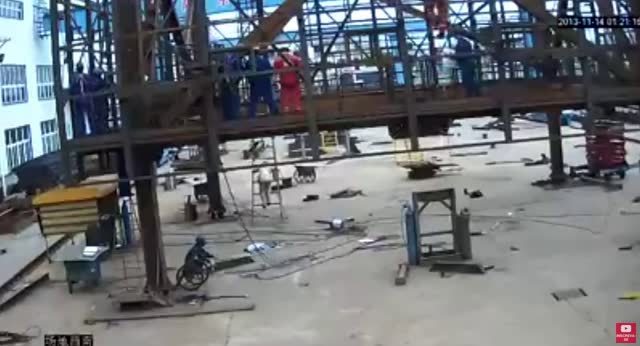
Tells standing, sitting and lying on the floor apart to flag falls without false alarms
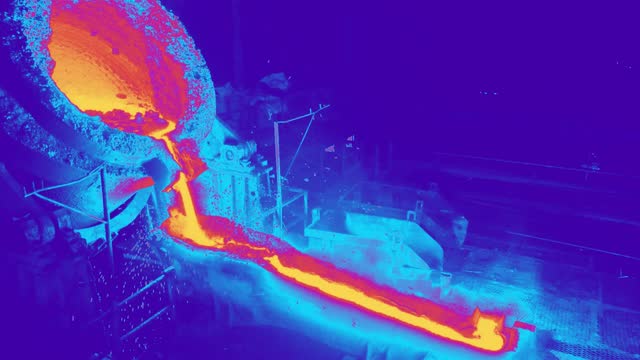
Hot spots in panels, motors and equipment from thermal cameras

Identifies cell phone use in areas where it is not allowed

Detects closed eyes, yawning and signs of drowsiness in real time