

Perimeter Intrusion
IDP1 · Virtual fences on perimeters, rooftops and restricted areas

- No alerts so far
Reports with indicators built for this scenario
In the dashboard, each model has its own page with the indicators that matter for this scenario: period totals, computed highlights, breakdown by category and charts over time, per site and per camera.
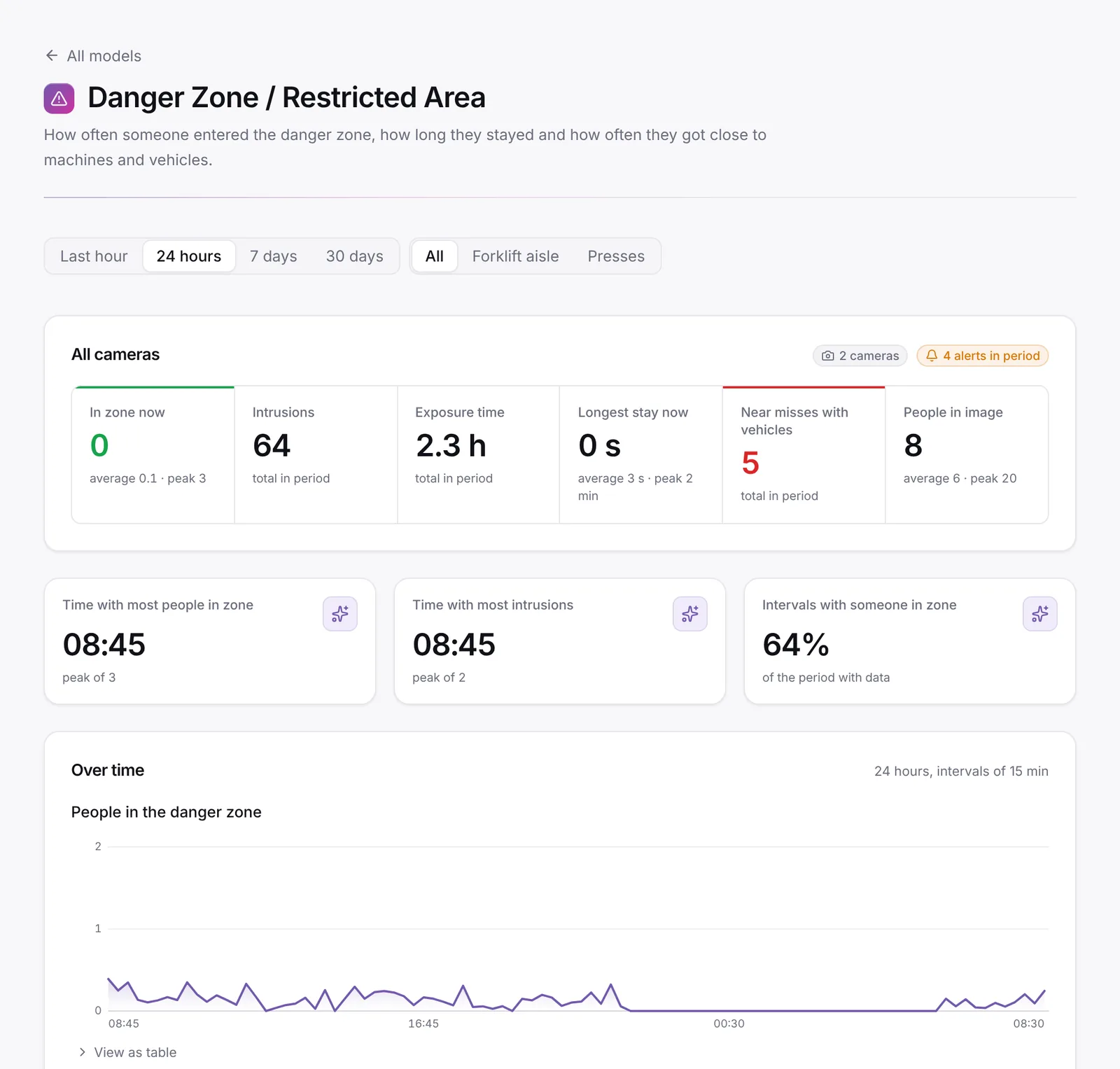
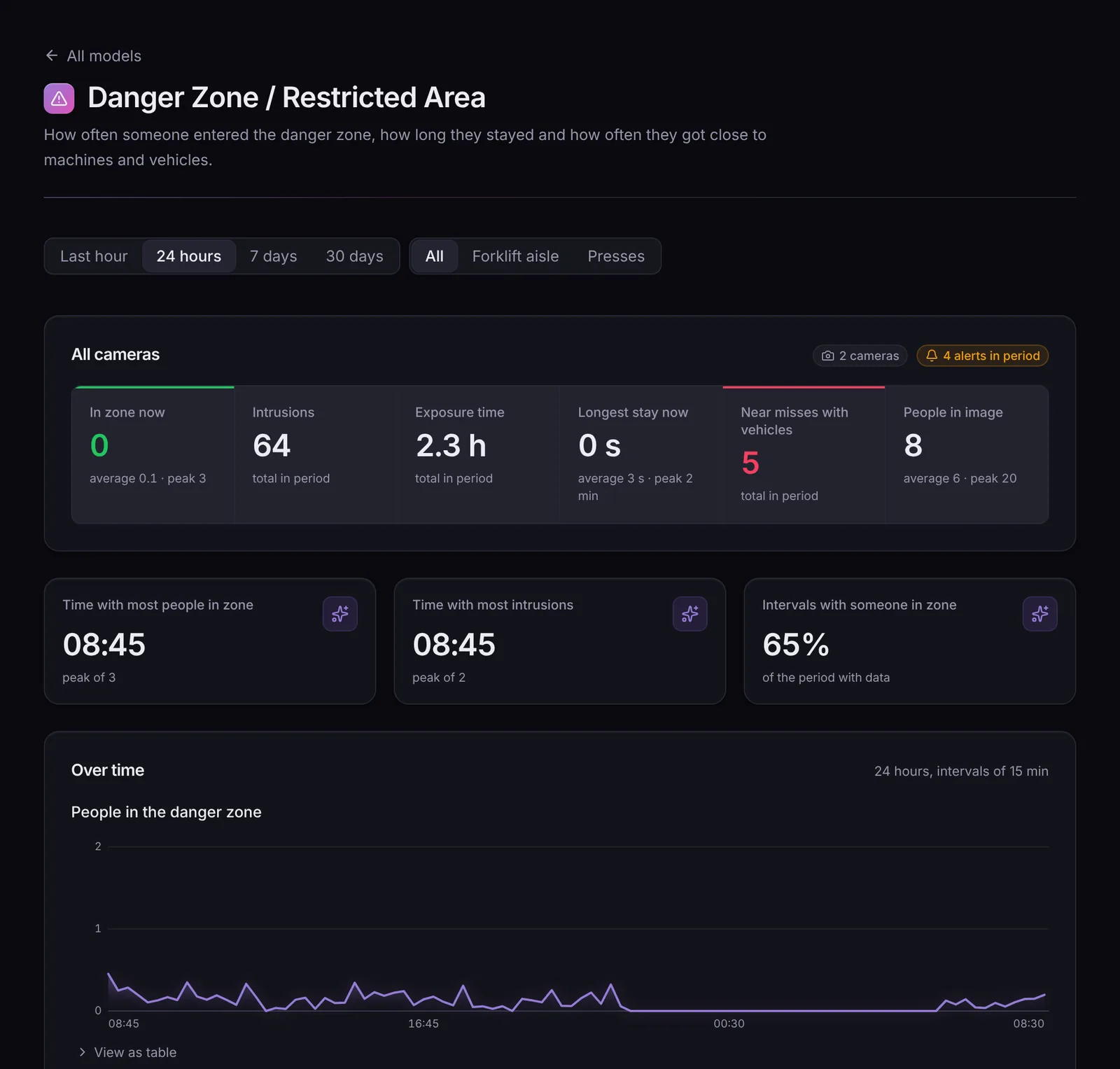
In practice
Walls, fences, roofs and technical areas are usually out of sight of the gatehouse, and the control room cannot watch dozens of cameras at once. In practice, an intrusion is usually discovered afterwards, by reviewing recordings, once the theft has already happened.
Virtual fences drawn on each camera's image define the perimeter and restricted areas, each with its own schedule. When a person or vehicle enters the area outside the permitted hours, the control room operator immediately gets an alert with a photo, and the system can trigger a siren, lighting or the response protocol.
Frequently asked questions
- Do animals and leaves in the wind trigger alerts?
- No. The alert fires when the AI identifies a person or vehicle inside the area, not any movement in the image, which greatly reduces the false alarms of ordinary motion detectors.
- Can each area have different hours?
- Yes. Each zone has its own schedule: a yard can be watched only at night, and a roof or substation around the clock.
- Does it work with my existing cameras?
- In most cases, yes. IP cameras with a reasonable view of the perimeter are enough. At night, the camera needs infrared or lighting on site.
Where to install the cameras
- Walls, fences and chain-link along the perimeter of factories, residential complexes and distribution centres.
- Roofs, canopies and technical areas such as plant rooms and substations.
- Yards and car parks outside working hours.
About this solution
Virtual fences drawn on the camera image outline hazardous areas (machine working radius, presses, overhead cranes, docks, energized areas) or restricted areas (storerooms, perimeters). When a person enters, an immediate alert is triggered — and it can sound sirens or activate the machine interlock.
- 1The user draws the zone on the camera image (free-form polygon).
- 2The detector identifies people and vehicles; the position of the feet determines presence in the zone.
- 3Each entry generates an event with photo, duration and time.
- 4Webhook/PLC integrations make it possible to stop machines or trigger signaling.
Benefits
- Prevention of serious and fatal accidents involving machines and vehicles.
- Set up in minutes, with no construction work or physical sensors.
- Evidence for investigating incidents and near misses.
More demos

Alerts when people enter hazardous or restricted areas

Alerts when people enter hazardous or restricted areas
License plate reading and gate release based on allowed and blocked plate lists

Detects closed eyes, yawning and signs of drowsiness in real time

Alerts when someone dumps trash, rubble or old furniture on the sidewalk, on a vacant lot or by a stream

People in each area of the event, density per square metre and an overcrowding alert before the crush