

Production Line Counting
Can filling line · Parts, boxes or bags counted on the conveyor, with pace, stops and downtime per line

- No alerts so far
Reports with indicators built for this scenario
In the dashboard, each model has its own page with the indicators that matter for this scenario: period totals, computed highlights, breakdown by category and charts over time, per site and per camera.
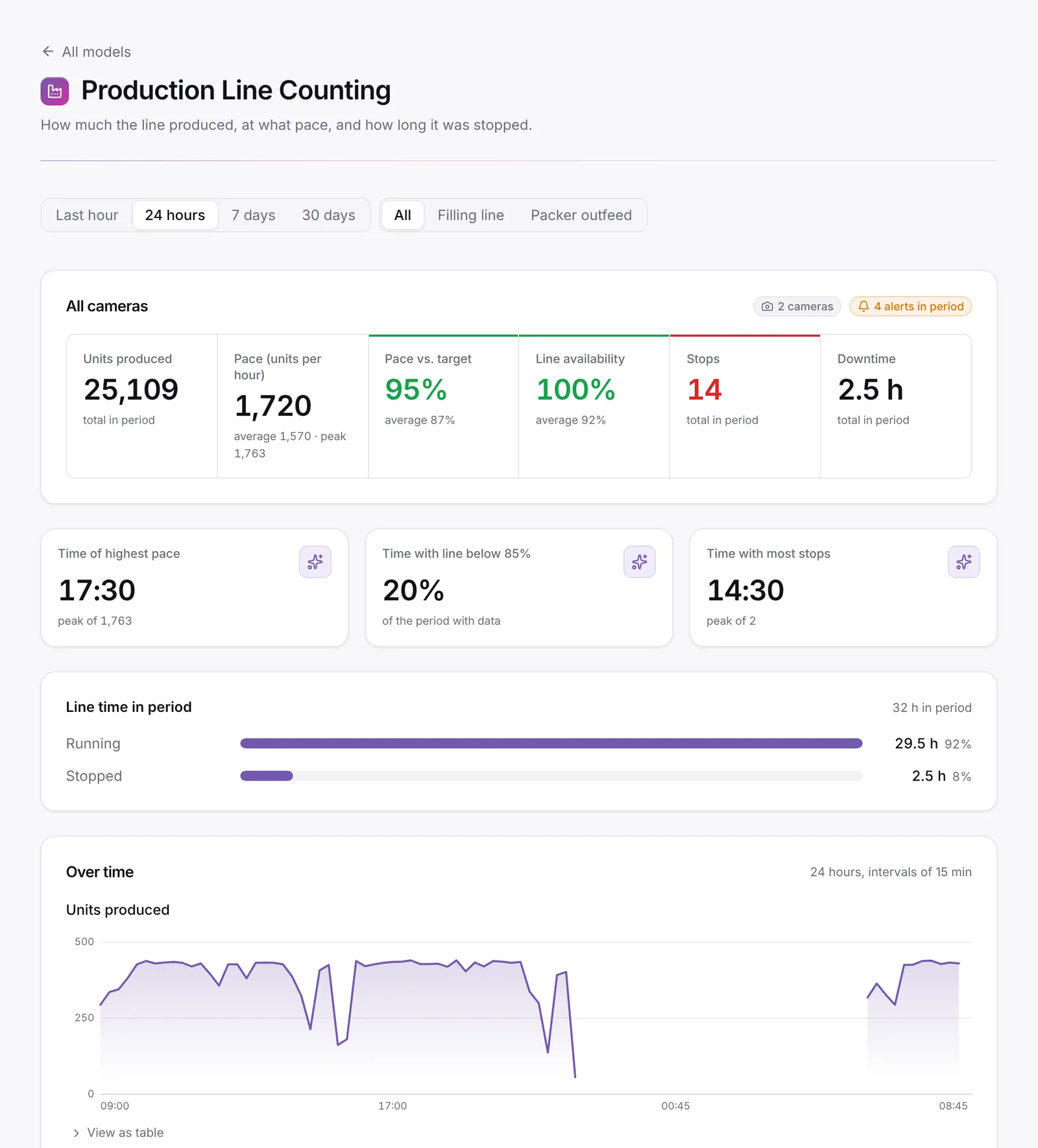
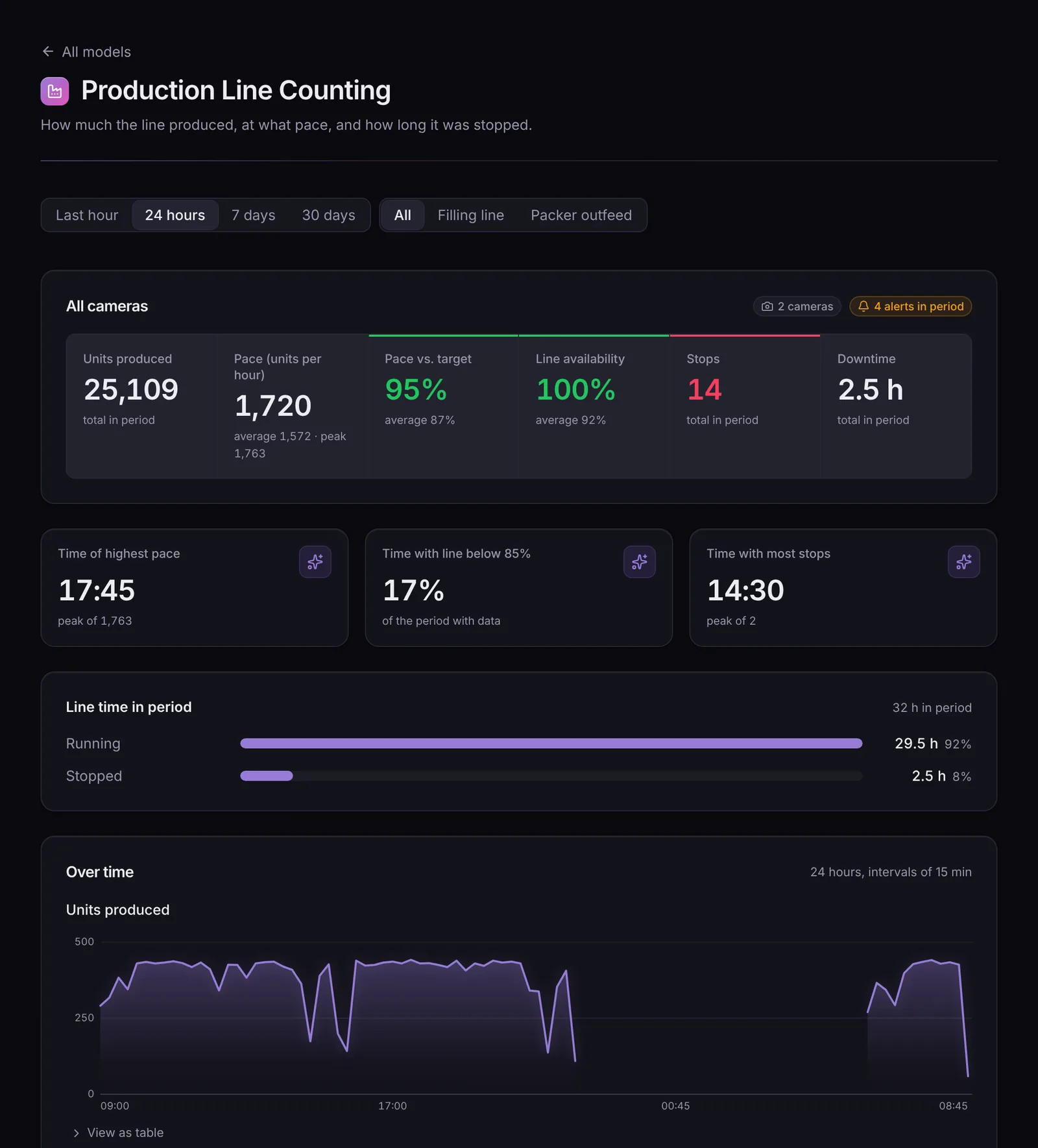
About this solution
Counts every item that crosses the virtual line on the conveyor or at the machine outlet, with no need to train the model for the part: movement in the marked strip is enough. When the flow stops for longer than the configured time, it records a stop.
- 1Mark the conveyor strip and the counting line on the image.
- 2Each object that crosses the line adds one unit. Parts stuck together count as one: in that case, we adjust the camera during the pilot.
- 3With no passage for longer than the limit, the line is considered stopped and the time goes into the availability indicator.
Benefits
- Actual output per hour and per shift, with no manual logging.
- Stops recorded with time and duration, so you can tackle the biggest ones.
- Works with any part: no need to train the model for the product.
More demos

Learns from good parts and flags scratches, stains, dents and packaging faults on the line
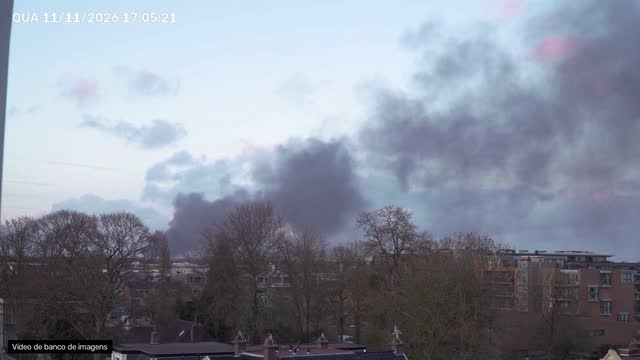
Flames and smoke seen by the cameras in warehouses, storerooms and yards, before the ceiling detector

Rats and cockroaches spotted by the cameras in kitchens, storerooms and food lines, with photo and time

Alerts when something is left in front of emergency exits, fire extinguishers, hydrants or electrical panels

Alerts when someone lifts a load with a bent back and straight legs, and measures time spent with the arms raised