

Unattended Counter or Checkout
2 videos · Alerts when a customer waits at a counter, checkout or service desk with no one there to serve them

Counters with staff
—
Customers at the counter now
—
Average wait at the counter
—
Time customers waited unattended
—
Customers left unattended
—
Alerts detected0
- No alerts so far
Counters with staff (%)
Waiting for data…
Customers at the counter
Waiting for data…
About this solution
Mark the staff position and the front of the counter on the image. When a customer is waiting and no one is at the post for longer than the agreed time, the manager gets an alert with a photo.
- 1Mark the staff position (behind the counter, checkout or desk) and the front, where the customer waits. With several counters on the same camera, give both areas of each counter the same name.
- 2The AI follows who is in each area, without recognizing faces.
- 3A customer waiting with the post empty for longer than the tolerance (60 s by default) triggers an alert. You can also be alerted when the post stays empty for a long time, even with no customer.
- 4The report shows, per counter and per hour, how much time there was staff and how long customers waited.
Benefits
- Alert with a photo to the manager when a customer is left waiting at an empty post.
- Staffed time per counter and per hour, to adjust shifts and breaks.
- Works for stores, pharmacies, clinic and hotel front desks and service windows.
More demos

Out-of-Stock Shelves
Bread aisle with gaps on the shelf and people walking by
Alerts when an empty space on the shelf stays empty, so it is restocked before the customer gives up
1 alert triggered

Entry with Backpack, Handbag or Suitcase
Supermarket door with customers coming in, one with a handbag
Counts who enters the store with a backpack, handbag or suitcase and alerts the staff right away
1 alert triggered

Customer Satisfaction
SDC1 · SDC2
Customer reactions to products, storefronts and service
3 alerts triggered

Aisle Puddles and Leaks
PVC1 · PVC2
Identifies leaks and puddles on floors, pipes and equipment
3 alerts triggered
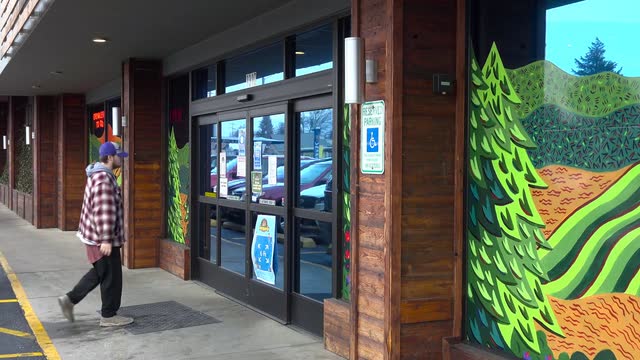
Foot Traffic and People Counting
FCP1 · FCP2
Visitors, entries, dwell time and store heat map